The best home security camera without subscription is not automatically the one with the sharpest video or the longest feature list. For a household, the better choice is a camera that records when you need it, sends useful alerts, protects your family’s privacy, and does not become another monthly bill to manage. Before you buy it, make sure you can live with the storage method, app, power requirements, and occasional maintenance.
A subscription-free camera usually stores video on a microSD card, a local network video recorder, or the camera’s built-in memory. Some models also offer optional cloud storage, but you can use the core camera without paying every month. That distinction matters. A $60 camera with a $6 monthly plan costs about $132 over the first year. A $120 local-storage model can be less expensive over time, even if the initial purchase feels higher.
What subscription-free security actually means
The best home security camera without subscription should let you view live video, receive motion alerts, and review recordings without requiring a paid account. That does not always mean the camera is completely free of cloud services. Many products still use the manufacturer’s servers for account login, push notifications, firmware updates, or remote viewing.
There are three common storage approaches. A microSD card records inside the camera, which is inexpensive and simple, but the card can be damaged or removed if someone takes the device. A local hub or network video recorder stores footage inside your home, usually offering more capacity and better control. A camera with optional cloud storage gives you a convenient backup, but the strongest features may still be placed behind a subscription.
Read the product page carefully for phrases such as “free basic storage,” “trial included,” and “advanced recording requires a plan.” A free trial is not a permanent feature. Also check whether person detection, package alerts, activity zones, and longer video history work without payment. The best home security camera without subscription makes those limits clear instead of turning setup into a sales funnel.
Cameras worth considering for ordinary households
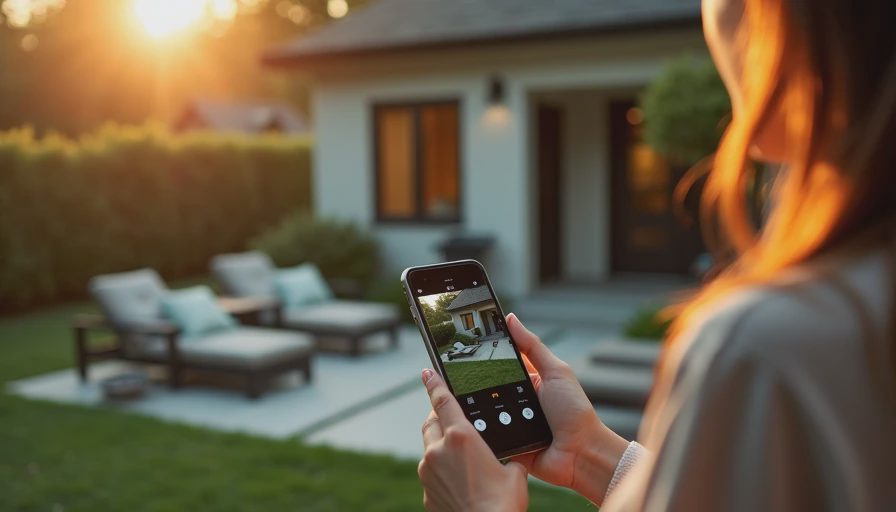
The best home security camera without subscription depends on where you will install it. For an indoor room, TP-Link Tapo cameras are often appealing because many models support local microSD recording, activity zones, and straightforward app controls. They can work well for checking a sleeping child, a front hallway, or a pet area without paying for basic video access.
For a broader smart-home setup, Eufy cameras and hubs offer local-storage options across indoor, outdoor, and doorbell products. Their appeal is reduced cloud dependence and a single family-facing app. The tradeoff is that you still need to understand which features process video locally, which use online services, and how the hub connects to your network.
Reolink is another strong option when you want outdoor coverage, higher-resolution video, or a dedicated recorder. Several Reolink systems support local recording and wired Ethernet connections. Wired power and networking take more work than plugging in an indoor camera, but they can provide a more dependable installation around a garage, driveway, or detached shed.
Wyze cameras can be inexpensive and family-friendly, but their storage and feature rules differ by model and can change as the company updates services. A low purchase price should not be the only reason you choose one. Compare the no-subscription recording period, alert controls, account requirements, and outage behavior before committing to several cameras.
The setup details that decide whether you keep using it
The demo is not the daily experience. A camera can look excellent in a store and still frustrate everyone if alerts arrive for every passing car, the Wi-Fi signal drops, or the app makes it difficult to find yesterday’s clip. The best home security camera without subscription should be tested in the actual room before you install several units.
Start by placing the camera near its intended location and checking the wireless signal at different times of day. Avoid aiming directly through a window at night; infrared lights often reflect off the glass and produce a washed-out image. For an exterior camera, mount it high enough to discourage tampering but low enough to access for cleaning and a battery change.
Use a high-endurance microSD card if the camera supports continuous recording. Standard cards are designed for occasional file transfers, while security cameras write and overwrite video constantly. A 128GB card may provide several days of footage, depending on resolution and recording mode. Motion-only recording generally lasts longer than continuous recording, but it can miss the first seconds of an event.
Create activity zones around the driveway, porch, or entry path and exclude sidewalks, tree branches, and busy streets. Then walk through the area yourself. If your phone receives ten alerts during a normal school-day morning, the system needs adjustment before the whole family starts ignoring it.
Privacy and family access matter as much as video quality
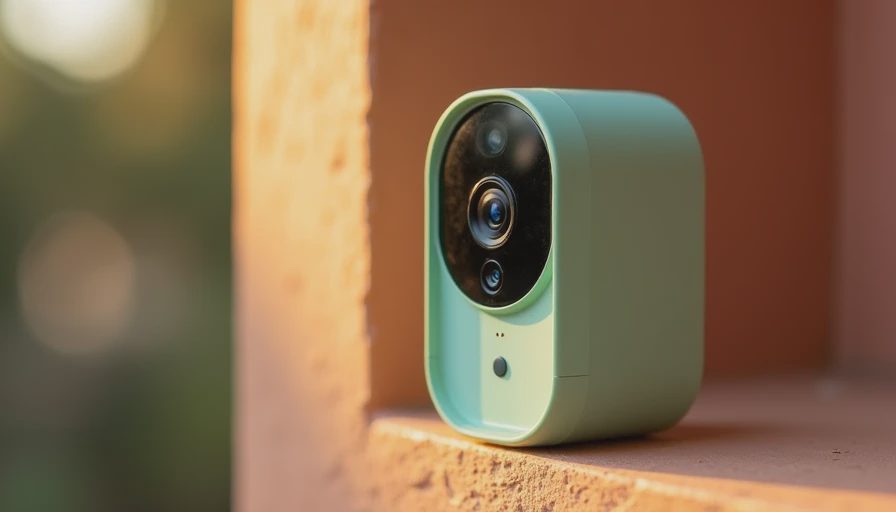
A subscription-free camera can reduce recurring costs, but local storage does not automatically guarantee privacy. Change the default password, enable two-factor authentication when available, install firmware updates, and use a separate guest network if your router supports one. These steps reduce the impact of a compromised account or poorly secured device.
Think carefully about indoor placement. A camera pointed at a living room may capture children, visitors, homework, and private conversations. Bedrooms and bathrooms should generally be off-limits. For shared spaces, tell household members where cameras are located and decide who can view recordings. Most families do better with one primary administrator and limited access for other adults rather than a shared password sent by text.
Audio deserves special attention. Camera microphones can capture more than you expect, including conversations near a window or on a porch. Recording rules differ by state, so review applicable law before enabling audio recording in areas where other people have a reasonable expectation of privacy.
How to compare total cost before buying
The best home security camera without subscription should be compared over three years, not just at checkout. Add the camera price, a suitable memory card, mounting hardware, replacement batteries if needed, and any optional hub. A $45 indoor camera plus a $15 endurance card may cost $60 initially. A $100 camera with a $7 monthly plan costs $352 over three years before taxes.
Also price your time. A battery camera might avoid drilling but require charging every few months. An outdoor wired camera may take an afternoon to mount but then require little attention. A local recorder can hold weeks of video, yet it adds another box, power adapter, and software interface to maintain.
Before choosing the best home security camera without subscription, write down how many cameras you need, whether continuous recording matters, and how long you need to retain clips. A single front-door camera has different requirements from four cameras covering a driveway, backyard, basement, and nursery.
A simple buying and setup plan
First, identify the event you want to see: a package delivery, an unlocked garage, a child arriving home, or movement near a side gate. Next, choose indoor or outdoor hardware, wired or battery power, and local storage type. Then confirm that live viewing, motion alerts, and recorded playback work without a paid plan.
Buy one camera before buying a complete system. Test the app with another adult, review a recorded event, adjust detection zones, and simulate a Wi-Fi outage. If nobody can find a clip after two minutes, the system is not ready for family use. If the camera loses important settings after a restart, choose a different product.
The best home security camera without subscription is the one your household can operate calmly six months after installation. Look for clear controls, replaceable storage, sensible alerts, strong account security, and a realistic maintenance routine. Count the setup time, the monthly cost, and the number of times someone has to fix it. That is how a useful safety tool stays useful instead of becoming another clever device in the closet.


No letters yet — be the first guest to write.