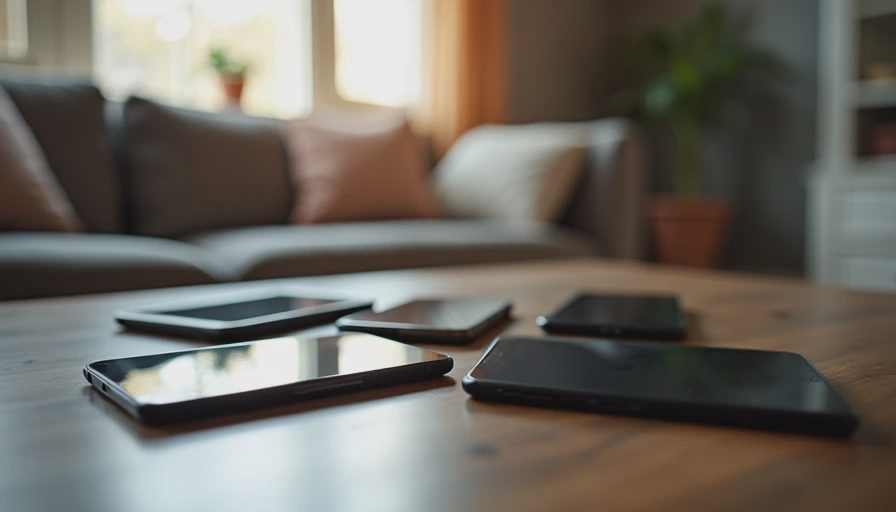
Notifications are usually treated as an individual phone problem. In a family home they function more like environmental noise. A single alert can interrupt a conversation, pull attention out of a shared room, or create a small cascade of secondary checks on other devices. When several people and multiple screens are involved, the cumulative effect is a house that rarely feels quiet.
Most notification settings are still configured for a single user in a workplace or commuting context. They are not designed for dinner tables, homework hours, or evenings when the household is trying to be present in the same space. The result is predictable: too many sounds, banners, and vibrations competing with the actual life happening in the room.
A practical cleanup treats notifications as a household system rather than a collection of personal preferences. The goal is not zero alerts. It is intentional ones.
Why Notification Noise Compounds in Families

A notification that would be minor for a person living alone becomes more costly in a shared environment.
How the Noise Multiplies
Multiple devices in the same room can fire in sequence or in chorus.
Children’s devices often use louder defaults and more persistent alerts.
Shared spaces turn individual interruptions into group interruptions.
Each alert trains household members to keep checking even when the sound is off.
Temporary exceptions (“I’ll just leave this on for today”) tend to become permanent.
The cost is measured in broken attention, delayed conversations, and a background sense that something somewhere needs a response. Reducing that cost requires changing defaults, not just asking people to ignore their phones more diligently.
Principles for a Household Notification System
1. Default to Silence in Shared Spaces
Shared rooms should not be filled with device noise by default. Alerts that survive in those spaces should be rare and high-value.
2. Separate Critical from Merely Interesting
Most notifications are interesting rather than actionable. Weather updates, promotional messages, social likes, and game energy refills almost never justify interrupting a family moment. Reserve sound and vibration for things that require a timely response.
3. Prefer Time and Place Rules Over Constant Willpower
Technical and environmental limits outperform good intentions. Focus modes, scheduled downtime, charging locations, and room-specific expectations reduce the number of real-time decisions.
4. Make the System Visible and Shared
When only one person understands the rules, consistency collapses. A short household agreement about what is allowed to make noise, and when, works better than private settings that no one else can predict.
Room-by-Room Cleanup Guide
The following walkthrough prioritizes the spaces where notification noise creates the most friction.
Kitchen and Dining Areas
These rooms are high-value for conversation and coordination. They are also common locations for phones to sit face-up on counters.
Targets for cleanup:
Disable sound for non-essential apps during typical meal hours.
Move promotional, social, and shopping notifications to silent or off.
Establish a simple expectation: devices that are not being actively used stay face-down or outside the immediate eating area.
Use a single shared timer or kitchen display for cooking needs instead of individual phone timers that all announce themselves differently.
Practical outcome: Meals become less fragmented. The remaining alerts are more likely to be relevant (a true call, a time-sensitive message from a family member).
Living Room and Shared Lounging Spaces
This is usually the room with the highest density of screens and the greatest variety of notification styles.
Targets for cleanup:
Put personal devices on a focus or do-not-disturb mode during established family viewing or conversation times.
Silence wearable notifications that duplicate phone alerts.
Turn off lock-screen previews for social and email apps if the content regularly draws people out of the shared activity.
Keep the television and shared streaming devices free of account notifications that pop up mid-show.
Practical outcome: Fewer competing stimuli. It becomes easier to finish a conversation or a show without multiple people glancing downward.
Bedrooms and Overnight Spaces
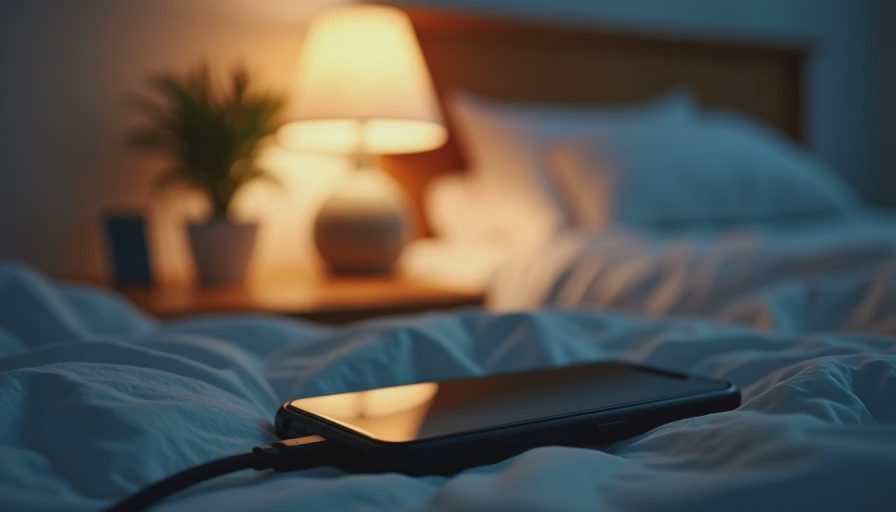
Notification noise here has a direct cost in sleep quality and next-day regulation.
Targets for cleanup:
Charge devices outside the bedroom or at least beyond easy reach.
Enable strict overnight focus modes that allow only truly urgent contacts.
Disable badge counts and lock-screen notifications that encourage late-night checking.
Review children’s devices for apps that send nighttime alerts by default.
Practical outcome: Sleep improves and the morning starts with fewer already-opened attention loops.
Homework and Work Zones
These spaces need protection from both external interruptions and self-generated ones.
Targets for cleanup:
Use app limits or focus modes that block the most common distraction sources during protected work blocks.
Silence group chats and non-urgent email during those windows.
Keep secondary devices (tablets, secondary monitors) from generating independent alerts.
Prefer desktop or browser workflows that do not carry the full mobile notification load when deep work is required.
Practical outcome: Longer stretches of uninterrupted effort for both adults and children. The system supports concentration instead of constantly taxing it.
Entryways and Transitional Spaces
Arrival and departure moments are easy to overlook, yet they set the tone for the next block of time.
Targets for cleanup:
Avoid leaving devices in a high-alert state while walking in the door. A short commute or arrival focus mode can prevent the house from filling with sound the moment someone returns.
Review location-based and retail app notifications that fire when passing stores or entering the neighborhood. Most are pure noise.
Make the family charging station a low-notification zone rather than a place where every device lights up and chimes while plugging in.
Practical outcome: Transitions into the home feel calmer. The household does not inherit the alert state of the outside world.
A Lightweight Household Protocol
Complex rules fail. A short, shared protocol works better.
Suggested baseline:
Sound and vibration are reserved for calls and messages from designated priority contacts during shared family times.
All other notifications default to silent or off in common areas.
Personal devices spend evenings in a known charging location after a set time on school nights.
Weekly or monthly, each person spends five minutes reviewing which apps are still allowed to interrupt and turns the rest off.
Adjust the specific times and priority contacts to fit the family. Keep the structure simple enough that it can be explained in under a minute.
Tools That Help Without Becoming New Work
Most families already own the necessary controls:
Built-in focus modes or do-not-disturb schedules on phones and tablets
App-level notification settings (the most powerful and least used lever)
Wearable notification mirroring turned off or heavily limited
Router or device-level downtime features for children’s accounts if additional technical enforcement is needed
Avoid adding new apps or services solely for notification management unless the existing tools have already been fully used. Extra layers often create their own alerts and maintenance.
Measuring Progress
A successful cleanup produces observable changes:
Fewer audible alerts during meals and conversations
Longer stretches in shared rooms without someone reaching for a device in response to a banner
Reduced evening arguments about “just checking” a notification
A noticeable drop in the background sense that the house is constantly demanding attention
If the environment still feels noisy, the remaining culprits are usually a small number of high-frequency apps or a device that never received the same settings treatment as the others. Fix those next.
Notifications will not disappear from modern life. They can, however, be prevented from functioning as constant household noise. A room-by-room pass that changes defaults, clarifies what is allowed to interrupt, and protects the spaces where the family is actually together produces a quieter and more intentional home.
Before you allow another app the right to make a sound in a shared room, make sure the interruption is something the household can live with.


No letters yet — be the first guest to write.