
Last month I did something most households avoid: I walked through every room, opened every drawer and closet, and listed every technology device we own. Not just the obvious ones. Everything that plugs in, connects to Wi-Fi, or once seemed like a good idea.
The result was uncomfortable. Out of the full inventory, eleven devices or accessories had not been used in any meaningful way for at least ninety days. Some had not been touched in over a year. They were not broken. They were simply irrelevant to how we actually live.
This is the first Garage Lab report. No sponsored products. No launch-day impressions. Just a clear look at what accumulated in one ordinary household and what it taught me about buying, keeping, and retiring technology.
Why I Ran the Audit
I already keep a running household technology inventory. Even with that, devices still drift into unused status. A smart plug bought for one project stays in a junk drawer. A secondary tablet becomes a digital paperweight. A “useful” gadget works fine and still never earns a permanent role.
The audit had three practical goals:
Identify what no longer earns its place.
Free up physical space, mental space, and a few recurring costs.
Create a clearer baseline before adding anything new.
I treated it like a systems review, not a purge for its own sake. The standard was simple: if it had not been used in ninety days and no one could name a specific near-term plan for it, it went on the unused list.
How the Audit Worked

I moved room by room with a notes app and a simple spreadsheet. For each device I recorded:
What it is and where it lives
Approximate age
Last known meaningful use
Whether it still powers on and connects
Any subscription or account still tied to it
I included cables, old chargers, discontinued smart-home accessories, and the small sensors that are easy to forget. I excluded pure tools (drills, meters) and clearly seasonal items. The focus stayed on technology that was supposed to make daily life easier.
The process took about two focused hours spread across a weekend. Most of the surprises were not dramatic failures. They were quiet irrelevance.
The 11 Things Nobody Used
Here is what turned up. I have grouped them by pattern rather than by brand, because the patterns are more useful than the specific models.
Category 1: Solutions to Problems We No Longer Have
A smart plug dedicated to a lamp we moved two years ago
It still worked. We simply never reassigned it. It sat in a drawer with its app still installed on my phone.A secondary Bluetooth tracker from an older set
One tracker remained in regular use. The spare never found a permanent object worth tracking.A Wi-Fi range extender from the previous house
Coverage in the current layout is handled by the mesh system. The extender had become a spare that no one remembered we owned.
Category 2: Devices That Worked but Never Fit the Routine
A small smart display that lived on the kitchen counter for three weeks
It showed the calendar and weather. It also added another screen and occasional voice responses we did not want. It migrated to a shelf and stayed there.A portable battery pack sized for overnight trips we rarely take
Useful in theory. In practice the smaller power banks covered actual needs.An older tablet dedicated to “recipes only”
Good intention. In reality we use phones or the existing kitchen setup. The tablet’s battery health had declined from sitting unused.
Category 3: Accessories and Half-Finished Experiments
Two smart bulbs from an early mixed-brand experiment
The rest of the house standardized on one ecosystem. These two never got reinstalled after a room repaint.A USB desk hub that solved a temporary laptop-port shortage
The laptop was replaced. The hub remained in a drawer.A discontinued outdoor sensor
It still powered on. The companion service had changed, and we had already replaced its function with a simpler option.
Category 4: The Quiet Subscription and Account Leftovers
An old streaming stick still signed into accounts
We had upgraded the living-room device years earlier. The stick remained in a media drawer, still linked to profiles.A wearable fitness band from a short-lived household challenge
Charged once out of curiosity during the audit. No one had worn it in roughly fourteen months.
None of these items were expensive disasters. Collectively they represented sunk cost, minor residual risk (old accounts still active), and unnecessary clutter.
What the Unused Devices Revealed
Accumulation Is the Default
Technology enters the house more easily than it leaves. A device that solves a short-term problem often stays after the problem is gone. Without a periodic review, the stack only grows.
“It Still Works” Is Not the Same as “It Still Helps”
Several items powered on without issue. Working condition is a low bar. The better test is whether the device reduces friction in current routines. Most of the eleven failed that test quietly.
Small Leftovers Create Real Overhead
Old accounts, forgotten apps, and spare devices increase the surface area for confusion. When something goes wrong, the extra variables slow diagnosis. Retiring unused items simplifies the system even if each individual piece seems minor.
The Ninety-Day Rule Works
Ninety days of non-use proved a practical threshold. It is long enough to cover seasonal variation and short enough to prevent multi-year drift. Items with a clear near-term plan (a specific trip, a planned project) can be exempted. Everything else should justify its continued presence.
What I Did With the Findings
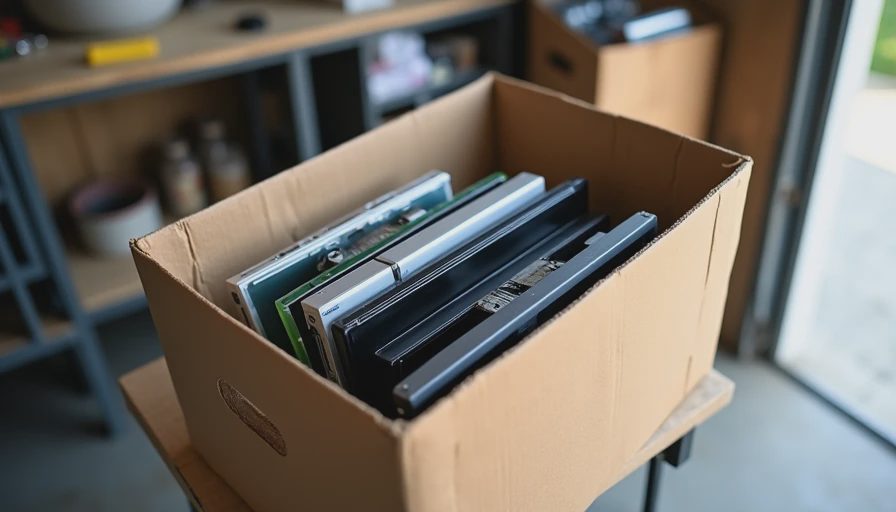
I did not throw everything away the same day. I used a simple triage:
Immediate retirement: Items with no realistic future use and no residual value. Wiped, recycled, or donated as appropriate.
Pending decision: A short list placed in one box with a thirty-day deadline. If no one claimed a use by then, they followed the first group.
Account cleanup: Signed out of old services, removed unused apps, and updated the household inventory.
Documentation: Noted the patterns so the next audit would be faster.
The physical space recovered was modest. The clearer picture of the actual stack was the larger gain.
How to Run Your Own Audit
You do not need special tools. You need a complete walk-through and a willingness to be honest about usage.
Set a ninety-day non-use threshold.
Move room by room and open the drawers.
Record what you find, including approximate last use.
Check for tied accounts or subscriptions while the device is in front of you.
Decide on a short holding period for borderline items, then act.
Update the household inventory so the cleaned state becomes the new baseline.
Do it once thoroughly. A lighter annual review is usually enough afterward.
The Larger Lesson for the Stack
An audit is not about minimalism for its own sake. It is about keeping the household technology stack aligned with how the family actually lives. Devices that no longer serve a purpose still occupy space, attention, and occasionally money. Removing them makes the remaining system easier to understand, maintain, and improve.
The best technology in a family home is the technology that stays useful after the novelty is gone. Everything else is just inventory waiting to be cleared.
Before you buy the next device, look at what you already have—and whether you are still living with it.



No letters yet — be the first guest to write.