The simplisafe smart alarm wireless indoor security camera sounds like a single purchase, but it is really one part of a household security routine. A camera can show you what happened in the living room, while an alarm system can notify you about entry sensors, smoke, or motion. The useful question is not whether the device looks impressive in a product demonstration. It is whether your family can install it, manage alerts, protect its account, and keep it working when everyone is busy.
Before you buy it, make sure you can live with the monthly plan, the camera's placement limits, and the number of times someone has to troubleshoot the Wi-Fi. SimpliSafe is attractive because it combines a relatively approachable alarm system with optional cameras and professional monitoring. That combination can be simpler than assembling separate products from Ring, Blink, Arlo, or Google Nest, but convenience does not eliminate the practical details.
What this camera is designed to do
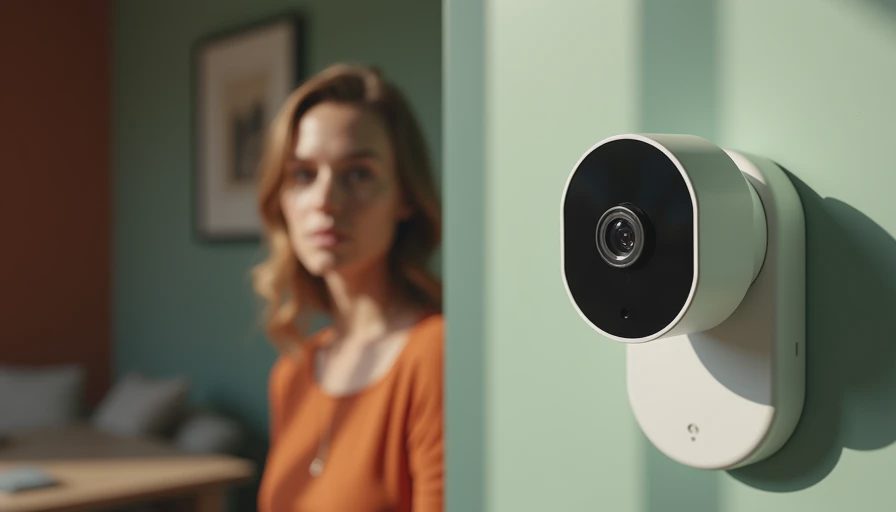
The simplisafe smart alarm wireless indoor security camera is intended for indoor monitoring, such as checking an entryway, watching a common room, or confirming whether a child arrived home. It is not a replacement for a door sensor, glass-break sensor, smoke detector, or outdoor weather-resistant camera. Those devices solve different problems, and confusing them can leave gaps in coverage.
Its value depends on context. A camera pointed at the front hall can help you see whether a delivery arrived or whether a family member came through the door. A camera in a basement can provide visual context after an alarm notification. In a nursery or bedroom, however, privacy expectations become more important than having another live view. A camera should serve a clear purpose, not simply fill every room with surveillance hardware.
SimpliSafe's broader system is usually built around a base station, keypad, sensors, and optional cameras. That ecosystem can make arming and disarming easier for a household than managing several unrelated apps. It also means the account, app permissions, and subscription terms deserve attention before installation.

Setup, Wi-Fi, and the first week
Setting up the simplisafe smart alarm wireless indoor security camera should begin with a network check rather than opening every box. Choose a location with a clear view, a nearby power outlet, and dependable 2.4 GHz Wi-Fi if the model requires it. Avoid placing it directly behind a television, inside a cabinet, or at the far edge of a mesh network where signal quality is already weak.
Use a unique SimpliSafe password and turn on two-factor authentication if available for your account. Do not share the primary login with every household member. Instead, use the system's supported user or access controls so a babysitter, relative, or older child receives only the access they need. Remove old users when arrangements change.
Spend the first week testing ordinary scenarios. Walk past the camera during daylight and at night. Check whether notifications arrive quickly enough to be useful. Confirm that the view does not include a neighbor's property or a private area where people reasonably expect not to be recorded. Label the camera in the app with a plain name such as “Downstairs Entry” rather than a vague default name.
The camera's power cable is another hidden constraint. “Wireless” often describes network connectivity, not battery operation. If the camera needs constant power, route the cable safely and avoid creating a trip hazard. A tidy installation is less likely to be unplugged when someone rearranges furniture.
How it fits into family life
The simplisafe smart alarm wireless indoor security camera works best when it answers a small number of repeatable questions. Did the kids get home? Is the dog still in the kitchen? Did someone leave the garage entry open? You do not need to watch a live feed all day to solve those problems.
Too many alerts quickly turn a useful system into background noise. Start with a conservative notification schedule and adjust only after observing real household behavior. If every movement triggers an alert while people are cooking, carrying laundry, or walking through the room, important events will be easier to ignore. Camera alerts should complement door and motion sensors, not compete with them.
Create a simple response routine. When an alert arrives, first check whether the alarm is armed, then view the camera, and finally contact a family member or emergency service if the situation requires it. Do not rely on a camera to verify an emergency in every case. A dark view, disconnected camera, or blocked lens can create false confidence.
For accessibility, make sure the app is usable by the adults who actually manage the home. A technically capable parent may set up the system, but another adult should still know how to disarm it, view an event, replace a battery in a sensor, and reach customer support.
Subscription cost and total ownership
The price of the simplisafe smart alarm wireless indoor security camera is only one part of the budget. Depending on the features you want, a household may also pay for an alarm package, cloud video storage, interactive app features, or professional monitoring. Plans and equipment pricing change, so review the current SimpliSafe checkout details instead of relying on an old review.
Write down the total first-year cost. Include the camera, base system if needed, extra entry sensors, shipping, taxes, and recurring fees. A modest camera purchase can become a much larger commitment once several sensors and a monthly plan are added. On the other hand, one integrated system may still cost less than buying separate Ring, Arlo, and smart-home subscriptions.
Think about what happens if you cancel. Ask whether live viewing, recordings, notifications, alarm features, or remote control change without a plan. A system that technically remains installed but loses the functions your family depends on is not the same product in daily use. Set a calendar reminder to review the subscription after the first month and again before renewal.
Privacy, security, and failure planning
The simplisafe smart alarm wireless indoor security camera belongs in the most private part of your technology stack: devices that can see and hear inside the home. Keep firmware and the mobile app updated, use strong account credentials, and review shared access every few months. Do not place an indoor camera in a bathroom or bedroom simply because the view is convenient.
Consider who can receive notifications and who can access recordings. A shared family account is easy, but it makes departures harder to track. When a house sitter or contractor no longer needs access, remove that permission immediately. Also explain to children and guests what the camera does and where it is located.
Plan for failure. The camera may lose Wi-Fi, power, or cloud access. The alarm system may have separate backup behavior, but you should not assume a camera view proves the entire security system is operating. Keep physical keys, contact information, and sensor instructions where another adult can find them. Test the system after changing your router, mesh nodes, or Internet provider.
Is it a sensible buy for your household?
The simplisafe smart alarm wireless indoor security camera makes the most sense for a family that wants one recognizable ecosystem, straightforward indoor visibility, and the option to connect camera activity with an alarm setup. It is less compelling if you only need occasional pet viewing, dislike recurring subscriptions, or already own reliable cameras from another platform.
Compare the complete routine, not just the camera image. Ring may appeal to households already using Amazon devices, while Arlo often suits shoppers comparing camera features across indoor and outdoor models. Blink can be appealing for simpler, lower-cost monitoring, but the right choice depends on the account, storage, and alert experience you are willing to maintain.
Before you buy it, list the rooms that genuinely need coverage, decide who manages the account, calculate twelve months of costs, and test your Wi-Fi at the planned location. If those answers are comfortable, this camera can become a quiet part of a useful home system rather than another clever gadget waiting to be fixed.


No letters yet — be the first guest to write.