A simplisafe indoor camera can solve a very ordinary household problem: seeing what is happening in the living room, checking on a sleeping child, or confirming that a door was actually closed without walking downstairs. The useful question is not whether the camera can stream video. Almost every current indoor camera can do that. The better question is whether it adds reassurance without creating another account, notification stream, or device that someone has to troubleshoot.
SimpliSafe positions its camera as part of a broader home security system, so it makes the most sense for households already using, or considering, the company's alarm equipment. It can be less convenient if you want a standalone camera with no broader security relationship. Before you buy it, make sure you can live with the app, cloud features, subscription terms, and privacy choices on an ordinary weekday.
What the camera is really for
The strongest use case is situational awareness rather than cinematic video quality. A simplisafe indoor camera can help you check whether children arrived home, see if a pet is restless, or verify a motion alert before calling a neighbor. It can also give a family member a quick visual check when a door sensor reports activity. That is practical information, not entertainment.
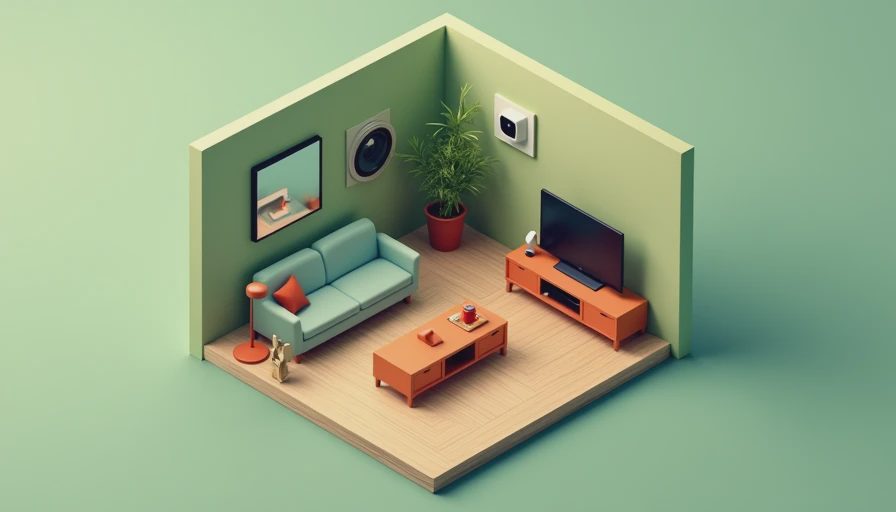
Placement matters more than a specification sheet. Put the camera in a shared area with a clear view of the main entry path, stairs, or play space. Avoid bedrooms and bathrooms entirely, and think carefully before pointing it at a desk where children complete homework or at a television that displays private conversations. A camera facing a bright window can produce washed-out video during the day, while a low shelf may give you a view dominated by furniture.
The demo is not the daily experience. The daily experience is opening the app with one hand while carrying groceries, deciding whether an alert matters, and remembering who in the household has access.
Setup, Wi-Fi, and everyday maintenance
Installing a simplisafe indoor camera is generally a manageable project for a household comfortable with smartphone setup screens. You will need the SimpliSafe app, a reliable Wi-Fi connection, the camera's power cable, and a location near an outlet. Use the app to add the device, connect it to your network, and test the live view from the exact spot where it will remain.
Do not skip the network test. A camera that works beside the router may struggle in a far corner, across a basement ceiling, or behind several walls. If your home uses a mesh system such as Eero, Google Nest Wifi, or TP-Link Deco, give the camera a few minutes after setup to settle onto the strongest access point. Avoid hiding it behind a television or large metal object.
Maintenance is small but real. Keep the lens free of fingerprints, update the app, check that the power plug has not been pulled loose, and review alerts after changing furniture. If the camera goes offline, first test another device on the same Wi-Fi network before assuming the camera has failed. A smart plug can restart some equipment, but it should not replace fixing weak coverage or an overloaded router.
Privacy controls families should decide first
A simplisafe indoor camera belongs in the most private part of your technology stack because it watches inside the home. Start with a simple rule: everyone who lives in the home should know where it is and what it is used for. Guests do not need a technical lecture, but they should not discover a camera unexpectedly during a visit.
Review account permissions before sharing access. Use individual logins where available instead of passing around one household password. Turn off access for former babysitters, roommates, contractors, or relatives who no longer need it. Strong, unique passwords and multifactor authentication on the main SimpliSafe account are more valuable than obscure privacy settings nobody revisits.
Think about audio as carefully as video. A microphone can capture conversations that have nothing to do with a security event. If you do not need two-way talk, consider disabling audio or using a physical routine that keeps the camera unplugged during private gatherings. A small cover or a clearly marked power switch can make privacy visible to children and visitors.
Subscription and storage costs
The purchase price is only one part of the cost of a simplisafe indoor camera. Check which features work without a paid plan and which require cloud recording, person detection, extended history, or other subscription services. A live view may be enough for a family that wants occasional check-ins, while recorded clips become more important if you expect to investigate an event after it happens.
This is where the camera should be compared with the rest of your system. If you already pay for SimpliSafe monitoring, adding another camera may fit naturally into your account. If you are buying one camera alone, a recurring charge can change the value calculation quickly. For example, a $10 monthly add-on becomes $120 over a year, before tax, while a $5 difference between plans becomes $60 annually.
Write down the three-year total before ordering: camera price, required service, replacement power equipment, and any installation accessories. A competing camera from Ring, Blink, Arlo, or Google Nest might cost less upfront but use a different subscription structure. The cheapest box is not automatically the least expensive household system.
Alerts that help instead of interrupting
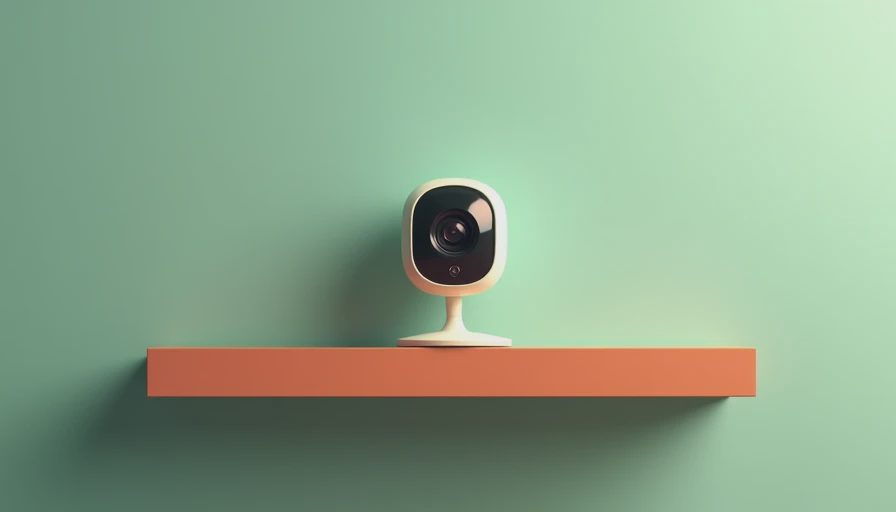
Motion alerts are useful only when the household can interpret them. A simplisafe indoor camera pointed at a busy hallway may generate notifications whenever sunlight shifts, a pet walks past, or someone returns from school. That creates alert fatigue, and alert fatigue is how a genuinely important notification gets ignored.
Start with a narrow detection area if the app supports it. Aim at the doorway rather than the entire room. Use a schedule if you want alerts while everyone is away but not during the morning rush. Test the settings for several days, then adjust one change at a time. If a parent receives every alert while another adult receives none, review shared access instead of simply turning notifications off.
A useful household routine is to treat alerts as prompts for verification, not proof of danger. Open the live view, consider who should be home, and use the alarm system's other sensors or a phone call when appropriate. Cameras provide context, but they do not replace locks, smoke alarms, communication, or emergency services.
Who should buy this camera?
The simplisafe indoor camera is a reasonable fit for a family already using SimpliSafe and wanting one more view inside the home. It can also suit renters or homeowners who prefer a recognizable security ecosystem, a phone-based live view, and a setup that does not require a dedicated home server. The value is highest when the camera supports an existing routine instead of becoming an isolated gadget.
It is a weaker fit for households that want local-only video storage, advanced automation through Home Assistant, detailed continuous recording, or a camera that works entirely without a cloud account. Tech enthusiasts may prefer a device with broader platform support, while privacy-focused families may decide that a camera inside the home is not worth the tradeoff at any price.
Before committing, sketch the actual use case. “Check the living room when the alarm reports activity” is concrete. “Have better security” is too vague to guide placement, subscription selection, or alert settings. If the first use case matters weekly, the device may earn its place. If it sounds useful only in a hypothetical emergency, spend the money on better exterior lighting, a stronger door strike, or an additional alarm sensor.
A calmer buying and setup checklist
Before buying a simplisafe indoor camera, confirm that the intended room has dependable Wi-Fi and a nearby outlet. Decide whether the lens will face a shared area rather than a private space. Check the current app and subscription details, then calculate the first-year and three-year cost. Decide who needs access and enable multifactor authentication before inviting anyone else.
After installation, test daytime and nighttime views, walk through the detection zone, and create a notification schedule that matches school, work, and sleep routines. Recheck the camera after rearranging furniture or changing the router. Every few months, remove unused account access and confirm that the camera still serves the original purpose.
A simplisafe indoor camera can be a useful piece of family technology when it reduces uncertainty without demanding constant attention. Count the setup time, the monthly cost, and the number of times someone has to fix it. If those numbers feel reasonable, connect it to a clear household routine and let it disappear into the background.

No letters yet — be the first guest to write.