The simplisafe app is designed to make a home security system manageable from a phone instead of a wall keypad. For a busy family, that promise matters: you might be checking whether the back door is locked from the school pickup line, disarming the alarm for a dog walker, or reviewing a camera alert while making dinner. The useful question is not whether the app can perform a clever demonstration. It is whether everyone in the household can use it reliably without creating another stream of maintenance.
SimpliSafe systems typically combine an alarm base station, entry sensors, motion sensors, keypads, cameras, and optional professional monitoring. The app provides a control layer for those devices, but the exact features available depend on the equipment installed and the service plan attached to the account. Before you buy it, make sure you can live with the setup time, monthly cost, phone permissions, and occasional troubleshooting.
What the simplisafe app actually does
At its most basic, the simplisafe app lets an authorized user arm or disarm the system and view its current status. Depending on the setup, you can choose Away, Home, or Off modes, receive alarm notifications, review compatible camera feeds, and manage certain user or device settings. That is enough to cover the common household jobs: leaving for work, going to bed, letting someone inside, or checking a notification that arrives during the day.
The app is more useful when it is treated as part of a routine rather than as a remote-control toy. A parent can confirm that the system is armed after the last person leaves. A household can create a shared process for responding to a low-battery warning instead of ignoring it. If you use cameras, the app can also provide a quick way to check whether a notification reflects a person, a pet, weather, or a harmless movement near the door.
Some functions can require an active plan, compatible hardware, or current account settings. Camera recording, cloud storage, professional monitoring, and certain advanced alerts should be confirmed before purchase. App menus and subscription offerings can change, so do not assume that a feature shown in an old review is included with every current package.
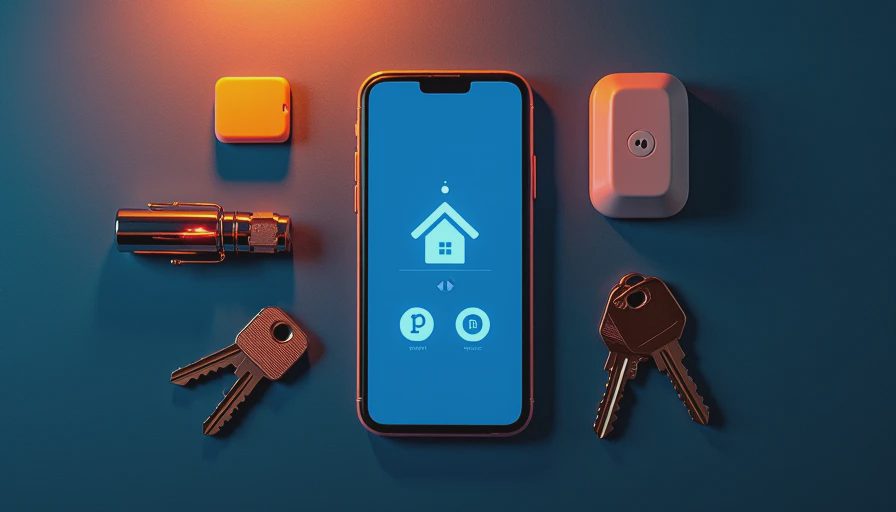
Setup details that determine daily reliability
The physical installation is usually approachable, but reliability starts with placement. Put the base station where it can communicate with sensors and where the household can hear its status, rather than hiding it in a metal cabinet or crowded equipment closet. Test every entry sensor after installation. A sensor that works on the kitchen table but struggles across a garage or thick wall will create frustration later.
Download the simplisafe app before mounting everything permanently. Create the account with an email address that the household can access, then decide which adults need administrative control and which people only need practical access. Use unique passwords and enable available account security features. Avoid sharing one login with every babysitter, cleaner, or relative; access becomes difficult to remove when circumstances change.
Run a full test at a calm time. Arm the system, open a protected door, wait for the alert, and confirm that the right phones receive it. Then test disarming from the app and from the keypad. If you rely on cellular backup or professional monitoring, understand what happens during an internet outage and how the system communicates during a power interruption. A few minutes of testing can prevent a 6 a.m. false alarm.
Alerts, cameras, and family friction
Notifications are helpful only when they are specific enough to act on. An alert saying that the front door opened is useful. A constant stream of motion notices from a camera pointed at a busy sidewalk is not. Adjust camera zones, notification preferences, and household expectations so the phone does not become a buzzing alarm panel that everyone learns to ignore.
The simplisafe app can also create social friction if one person controls every setting. Agree on who can change alarm modes, add users, view camera clips, or contact monitoring support. Parents may want access to entry alerts, while older children may only need a clear process for disarming the system after school. Keep those permissions intentional instead of giving every account the same reach.
Cameras deserve a separate privacy conversation. Avoid pointing indoor cameras toward bedrooms, bathrooms, or spaces where family members reasonably expect privacy. Explain when recording occurs and who can view clips. Review shared users every few months, especially after a move, a change in childcare, or a repair visit. Security technology should protect the household without making everyone feel observed all day.

Subscription cost and what you are really paying for
The hardware price is only the first line of the budget. Depending on the package, a household might spend roughly $200 to $600 or more on sensors, cameras, and accessories, then add a monthly fee for professional monitoring or extra services. The exact total depends on equipment, promotions, local taxes, and the plan available at the time of purchase.
A self-managed setup can be attractive if you mainly want phone control and local siren alerts. Professional monitoring adds a response pathway when an alarm is triggered, but it also creates a recurring obligation. Compare the annual cost, not just the introductory monthly price. A $30 monthly plan is $360 over a year, before hardware or replacement batteries. That calculation makes it easier to compare SimpliSafe with Ring Alarm, Abode, or a traditional monitored system.
Do not pay for features your household will not use. If nobody reviews camera history, cloud recording may not justify its cost. If a family travels often or has trouble responding to alerts, professional monitoring may provide more practical value than a cheaper self-managed arrangement. The best plan is the one people understand and maintain.
Common problems and a sensible troubleshooting order
When something goes wrong, start with the simplest explanation. Confirm that the phone has an internet connection and that the account is signed in. Check whether the base station has power, then inspect the sensor battery and physical alignment. A door sensor that has shifted by half an inch can produce repeated errors even when the app appears normal.
If the simplisafe app is slow or shows stale status, close and reopen it, check for an available update, and verify that the base station is communicating. Avoid deleting and rebuilding the entire system as a first response; that can create more work and erase useful configuration. If a camera will not load, test another device and confirm whether the problem affects one camera or the whole account.
Keep spare batteries in a labeled drawer and write down the model of each sensor. Once a year, test every protected door, review authorized users, and inspect camera placement. This small maintenance session is more valuable than buying another accessory.
Is the app a good fit for a family?
The simplisafe app makes the most sense for households that want straightforward alarm control, remote status checks, and an approachable path into home security. It is less appealing if you demand deep smart-home automation, fully local control, or extensive customization. Those buyers may prefer a platform built around Home Assistant or another ecosystem, although that route usually requires more configuration and ongoing troubleshooting.
For an ordinary family, the deciding factors are clarity and follow-through. Can every adult arm and disarm the system? Will someone respond to low-battery alerts? Does the monthly plan fit the budget? Are cameras positioned in places everyone accepts? If the answers are yes, the app can quietly handle a useful household job. If the answers are no, more hardware will not solve the underlying routine.
Start with the doors and rooms that matter most, test the system for a week, and adjust alerts before expanding. Count the setup time, the monthly cost, and the number of times someone has to fix it. The demo is not the daily experience; a security system earns its place by becoming dependable background infrastructure.

No letters yet — be the first guest to write.