
Most buying decisions for household technology start with features. The listing promises faster speeds, higher resolution, more automations, or smarter AI. Reviews rank products by what they can do in ideal conditions. The missing question is simpler and more important: how much friction will this add to ordinary days once the novelty wears off?
Friction is the hidden cost of technology. It shows up as setup time that stretches into evenings, apps that demand constant attention, subscriptions that renew without delivering clear value, devices that need babysitting, and small failures that interrupt family routines. A product can score well on features and still fail the household test.
The Family Tech Buying Rule is straightforward: measure friction before you measure features. If the ongoing cost in time, attention, money, and reliability is higher than the benefit, the device or service does not belong in the house.
What Friction Actually Looks Like at Home
Friction is rarely dramatic. It is cumulative and quiet.
Common Sources of Household Friction
Setup that never quite finishes. The device works after an hour of configuration, then needs another round of troubleshooting when a phone updates or the Wi-Fi hiccups.
Maintenance that becomes a chore. Firmware updates, app permissions, battery replacements, or recalibrations that fall on the same person every time.
Notifications and interruptions. Alerts that sound at the wrong moment, routines that trigger unexpectedly, or systems that require confirmation for basic actions.
Subscription creep. A low monthly fee that seemed reasonable at purchase but delivers less value than expected after three months.
Single points of failure. One app, one account, or one hub that, when it breaks, takes multiple household functions with it.
Family usability gaps. Features that only the most technical person in the house can operate reliably.
Any one of these can be tolerable. Several together turn a promising purchase into ongoing low-grade work.
The Friction Checklist
Before buying, run the product or service through these questions. Honest answers matter more than optimistic ones.
1. Setup and First-Week Reality
How long does real-world setup take for a non-expert?
Does it require creating new accounts, granting broad permissions, or installing multiple apps?
What breaks or needs reconfiguration when a phone or router updates?
If the first week already feels like a project, the long-term experience is unlikely to be lighter.
2. Ongoing Time Cost
Who will maintain this—update it, troubleshoot it, and teach others how to use it?
How often does it need attention after the first month?
Does it create new decisions (which mode, which routine, which notification setting) that did not exist before?
Time is the scarcest resource in most households. Products that quietly consume it fail the test even if they are inexpensive.
3. Reliability Under Ordinary Conditions
What happens when the internet drops, a bulb fails, or someone uses the system while tired or in a hurry?
Are there known failure modes that require physical intervention (stuck robot vacuums, unresponsive sensors, forgotten hubs)?
Does the product degrade gracefully or does it create a cascade of small problems?
A device that works beautifully in a demo and fails on a normal Tuesday is not a household upgrade.
4. Money Beyond the Purchase Price
What is the realistic three-year cost, including subscriptions, replacements, and energy?
Is the core function locked behind a recurring fee?
How hard is it to cancel or replace if the value disappears?
Cheap hardware with expensive ongoing requirements is rarely cheap.
5. Family Fit and Privacy
Can every relevant person in the household use it without constant help?
Does it introduce new privacy trade-offs that the family has not consciously accepted?
Does it respect existing household rules around screens, data, and attention, or does it push against them?
Technology that only works for one person or that quietly expands surveillance is adding friction, not removing it.
How to Apply the Rule in Practice
Start With the Problem, Not the Product
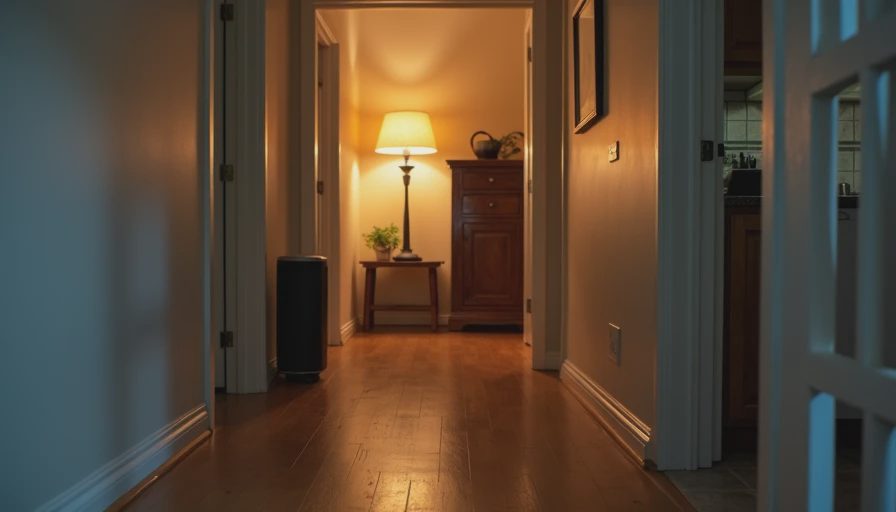
Write down the specific household problem you are trying to solve. “The entryway is dark when we come home with groceries” is a clearer starting point than “I want smart lights.” The clearer the problem, the easier it is to judge whether a product actually reduces friction or simply relocates it.
Prefer Fewer, Better-Understood Systems
A single reliable platform that covers several needs usually creates less friction than a collection of specialized gadgets that each require their own app, account, and update cycle. Complexity compounds. Simplicity compounds too, in the opposite direction.
Test for the Tuesday Morning Standard
Ask whether the product still helps when everyone is running late, someone is sick, or the most technical person in the house is unavailable. If the answer is no, the features do not matter enough.
Run the Numbers Honestly
Add up purchase price, expected subscription costs, likely replacement timeline, and a rough estimate of hours spent on setup and maintenance. Compare that total to the actual improvement in daily life. Many products look different under that light.
Examples of the Rule in Action
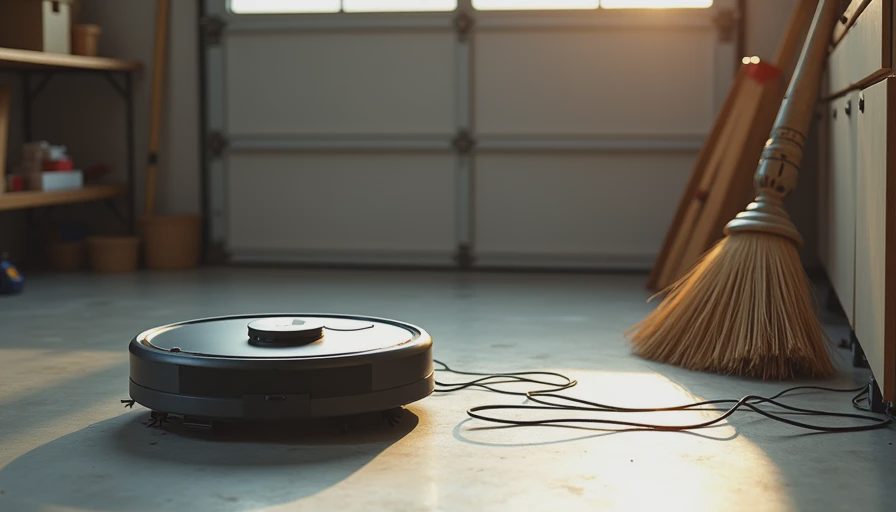
High-friction pattern: A robot vacuum that requires daily rescue from cords and chair legs, frequent app intervention, and a subscription for full features. The floor gets cleaner some days, but the net attention cost is higher than vacuuming manually on a schedule.
Lower-friction pattern: A simpler vacuum or a well-designed cordless stick that lives in a convenient spot, needs no account, and works the same way every time. It may have fewer “smart” claims, yet it removes more real work.
High-friction pattern: A smart display that adds calendar and photo features but also introduces new notifications, voice reactions at odd hours, and another screen competing for attention.
Lower-friction pattern: Keeping the existing calendar system and using a plain speaker or no new screen at all if the household already functions without it.
The rule does not reject technology. It rejects technology that fails to pay for itself in reduced friction.
Building the Habit
Apply the friction checklist to the next three purchase decisions. Keep brief notes on what you expected versus what you experienced after 30 and 90 days. Patterns appear quickly: certain brands or categories consistently demand more attention than they return; others fade into the background and simply work.
Over time, the household stack becomes more intentional. New items have to earn their place against a clear standard instead of arriving because they were on sale or well-reviewed in isolation.
Features are easy to market. Friction is what you live with. Measure the second one carefully.
Before you buy it, make sure you can live with it.

No letters yet — be the first guest to write.